Sketch to CAD-Style Line Art Conversion Prompt
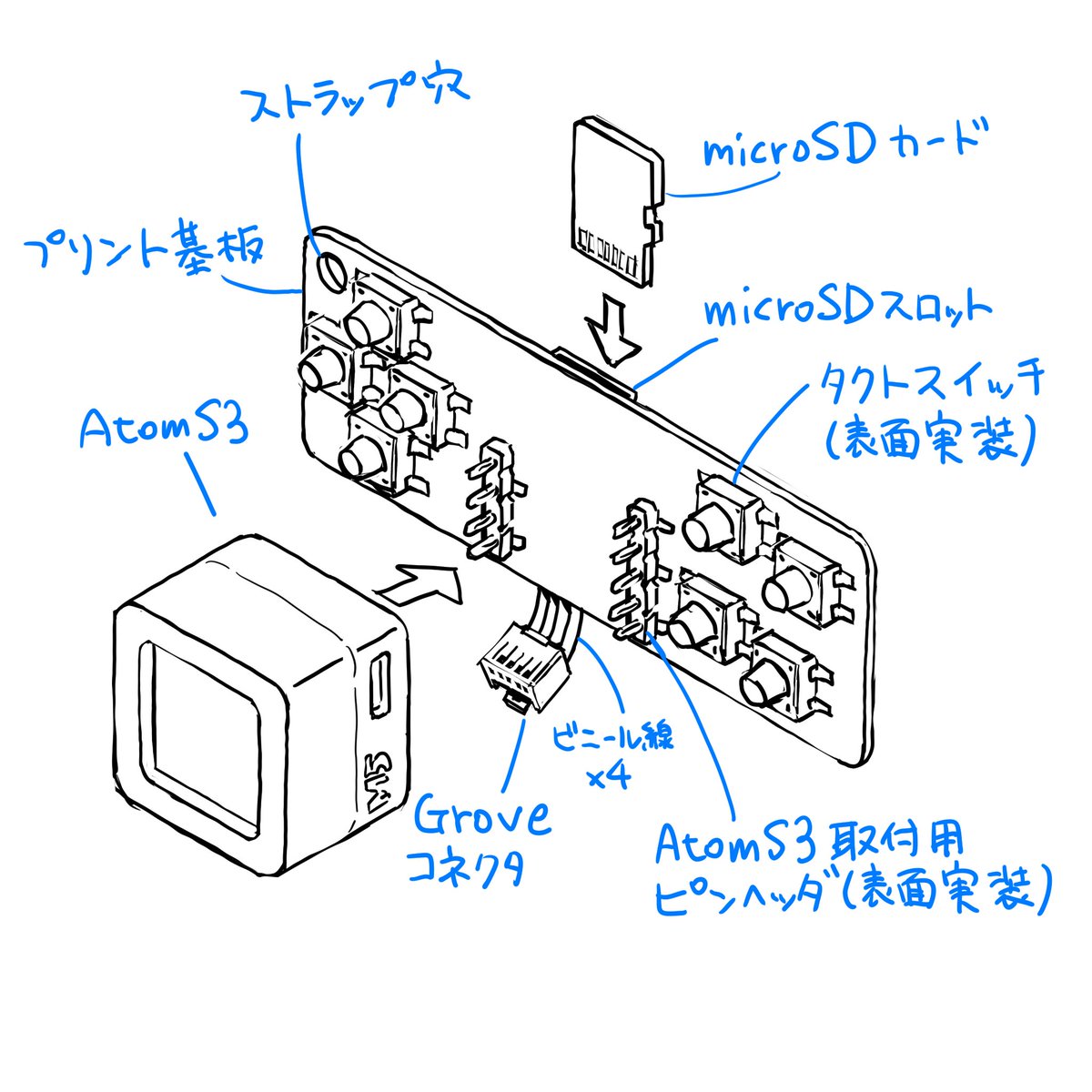
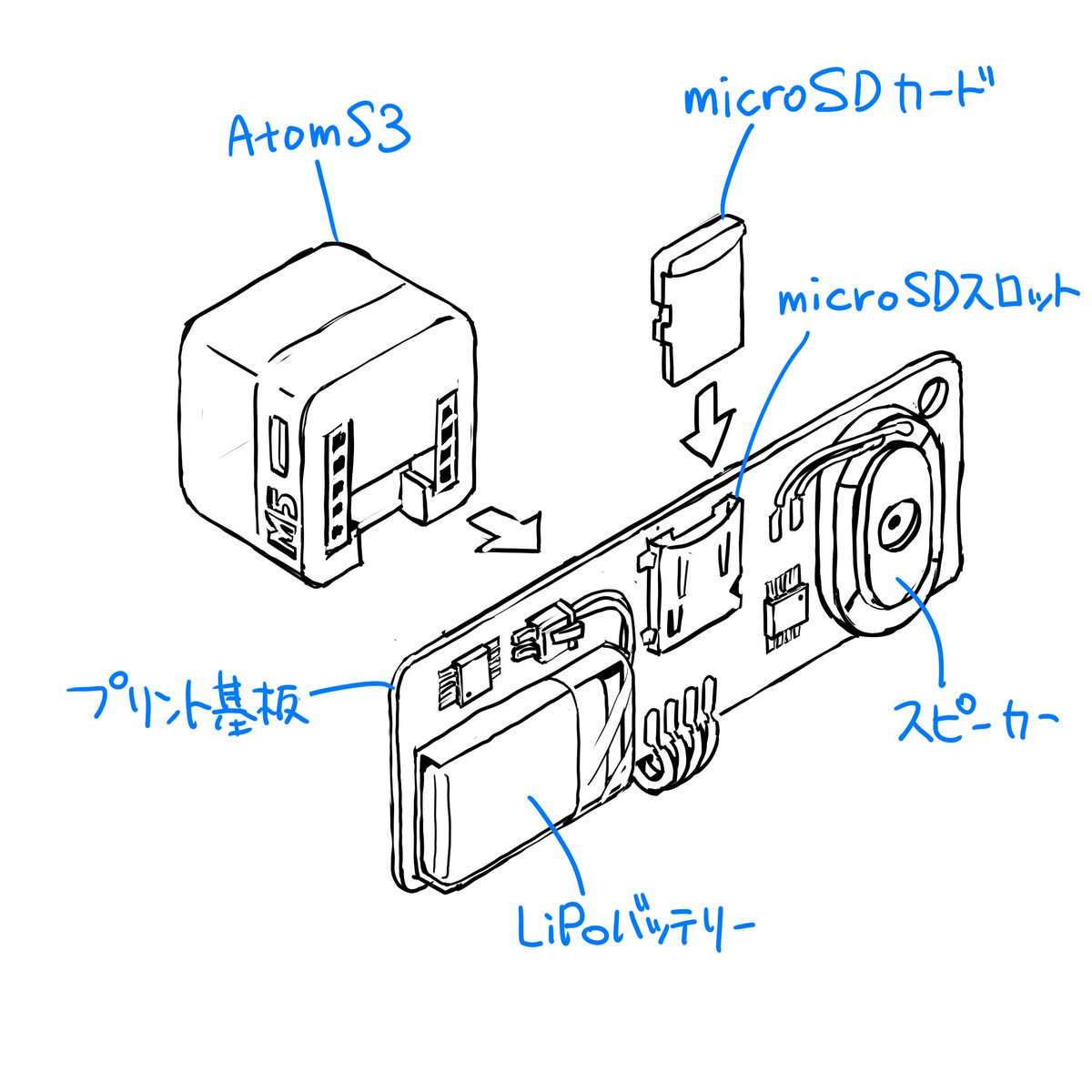
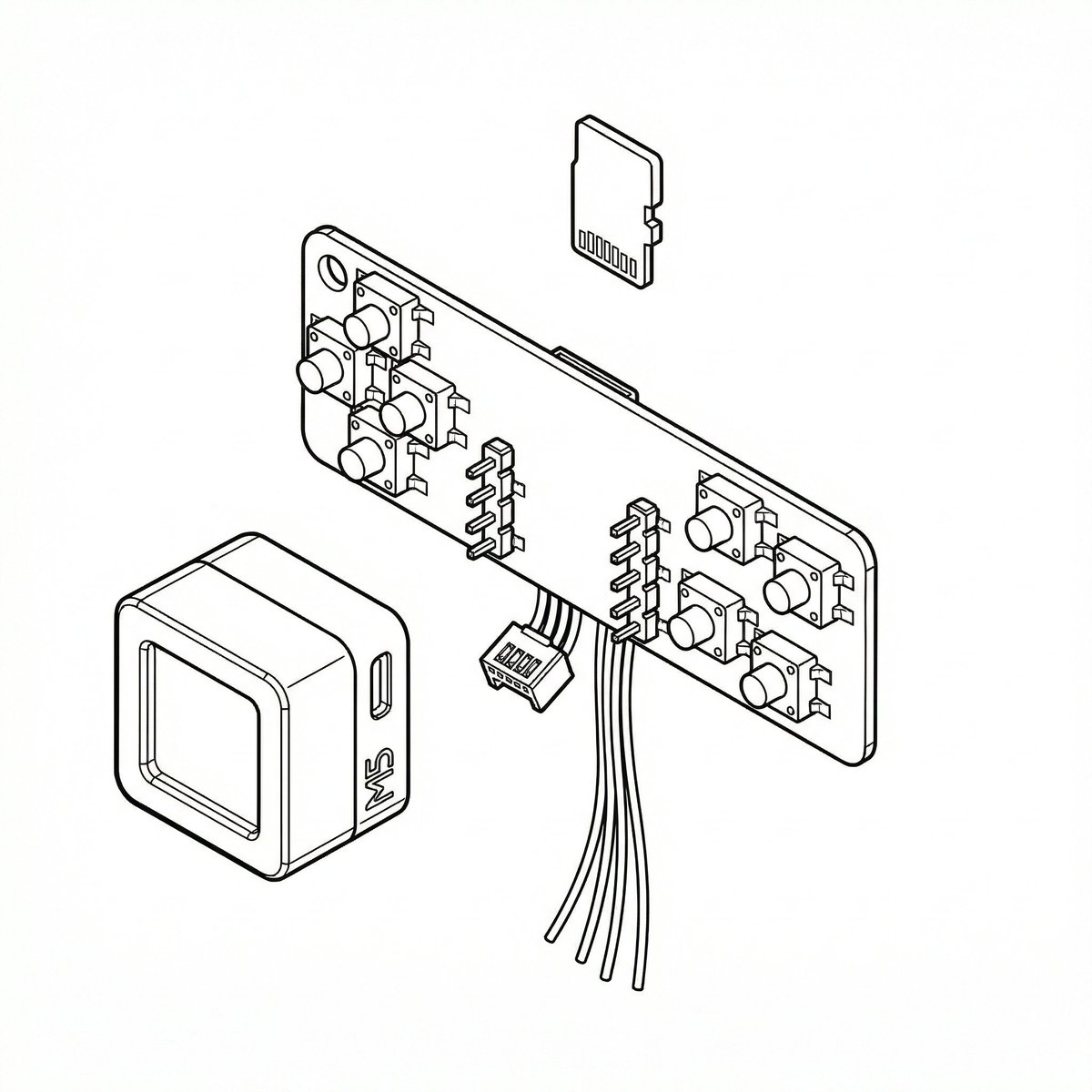
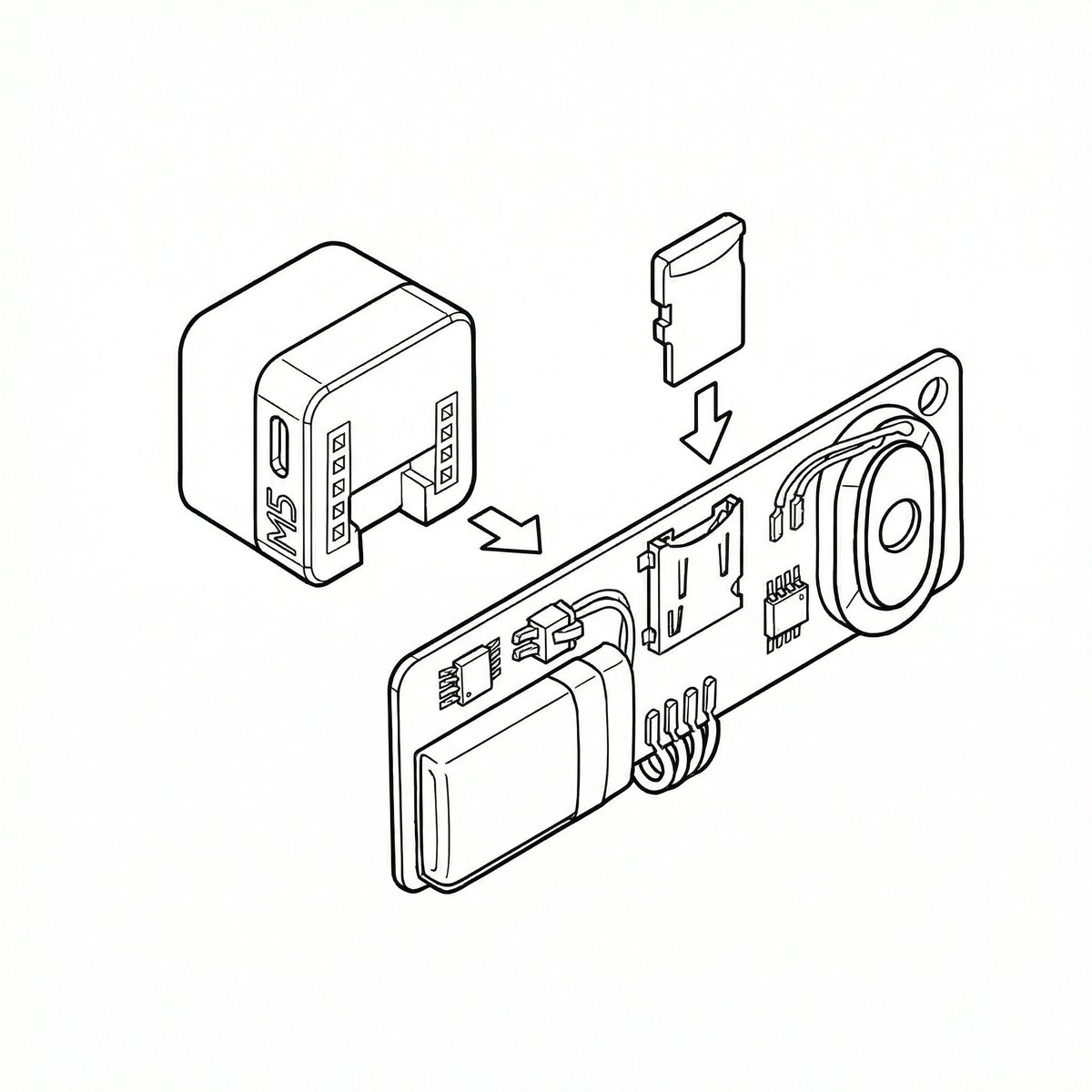
A two-part prompt sequence for Nano Banana Pro (using its 'Thinking Mode') to convert a rough sketch into precise, CAD-like line art. The first prompt instructs the model to finalize the rough sketch, referencing blue text annotations, removing ambiguity, and applying line weight variation. The second prompt is a follow-up instruction to apply the same style to subsequent rough sketches.
Prompt
このラフ画を清書して線画を作って下さい。青い文字を読んで参考にし、手書きに伴う曖昧さや雑さは排除し、CADツールから出力したような精緻な線画にしてください。稜線は太くするなど、線の太さに強弱をつけてください。青い文字と線は削除し、出力画像には含めないでください 同じ調子でこのラフも清書してください…
Premium Prompt
Upgrade to Pro to unlock this prompt and all 14,000+ creative recipes.
Details
Similar Prompts
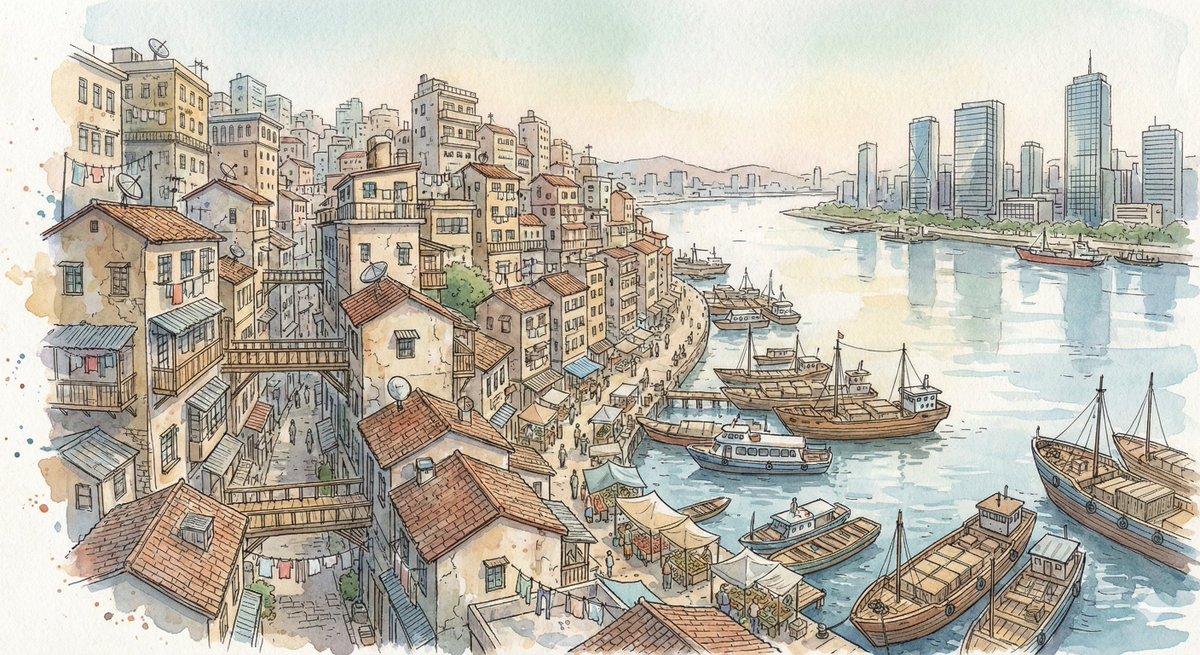
Fantasy Watercolor City Illustration Prompt
A detailed prompt for Nano Banana Pro generating a fantasy hand-drawn watercolor illustration of a dense hillside city s…
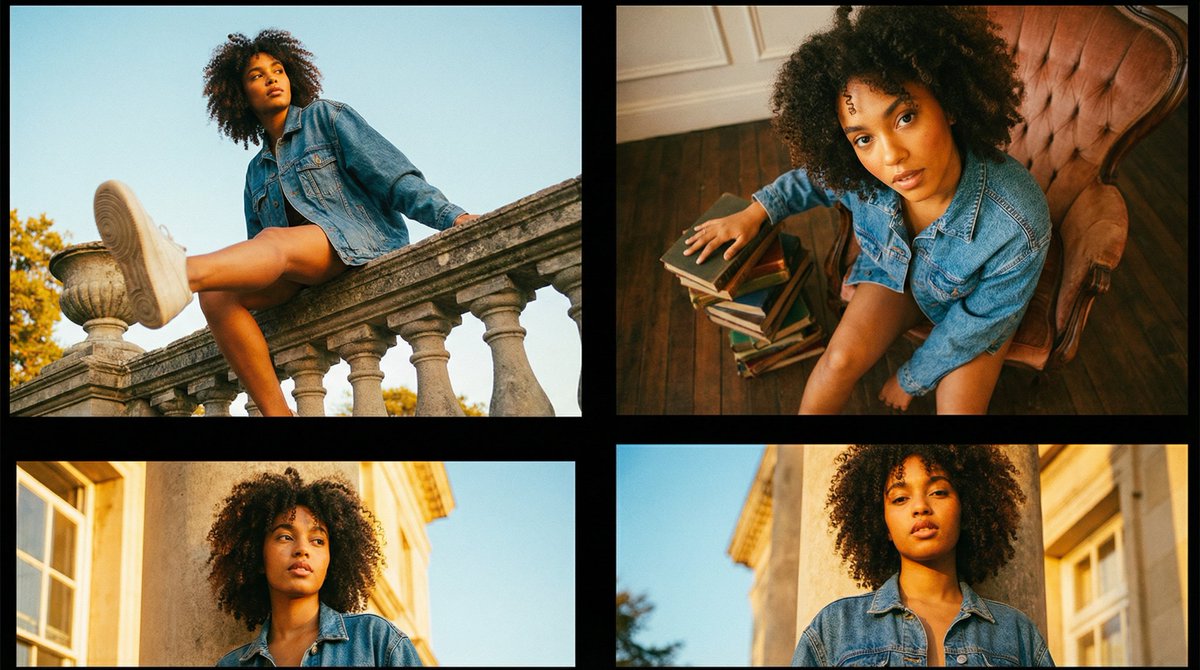
Editorial Fashion Portrait Series Grid Template
A structured JSON template designed for generating a multi-frame editorial fashion portrait series (grid style). It outl…
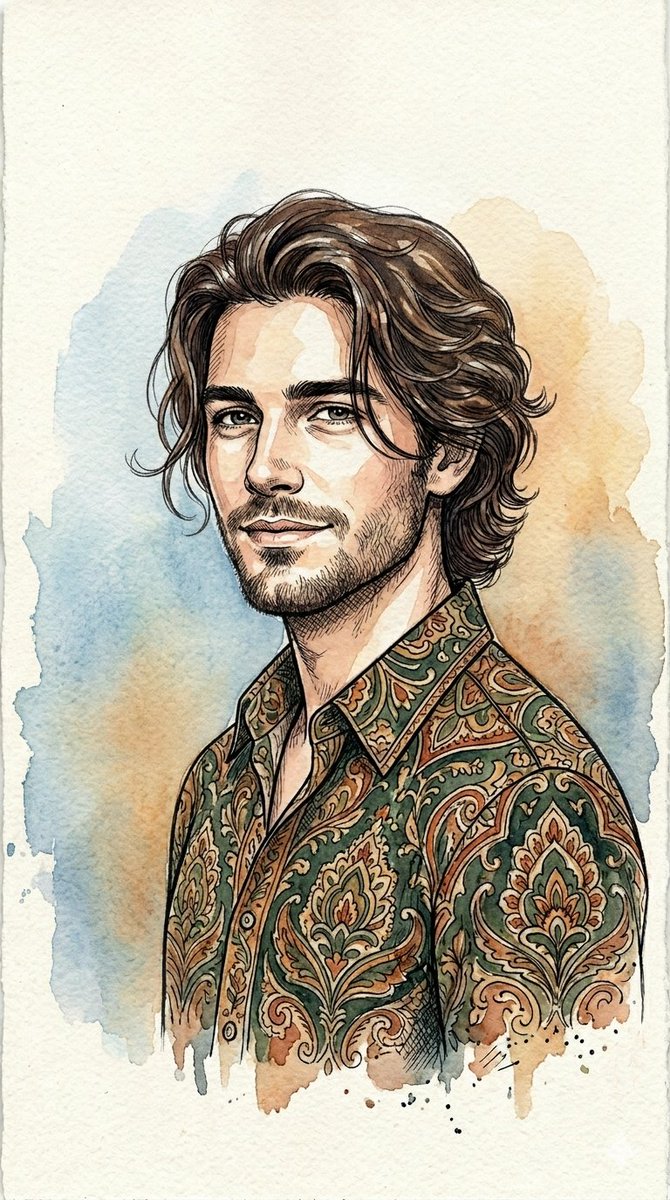
Watercolor and Ink Line Art Portrait
An artistic prompt for a male portrait blending digital ink line art with soft watercolor textures and abstract elements…
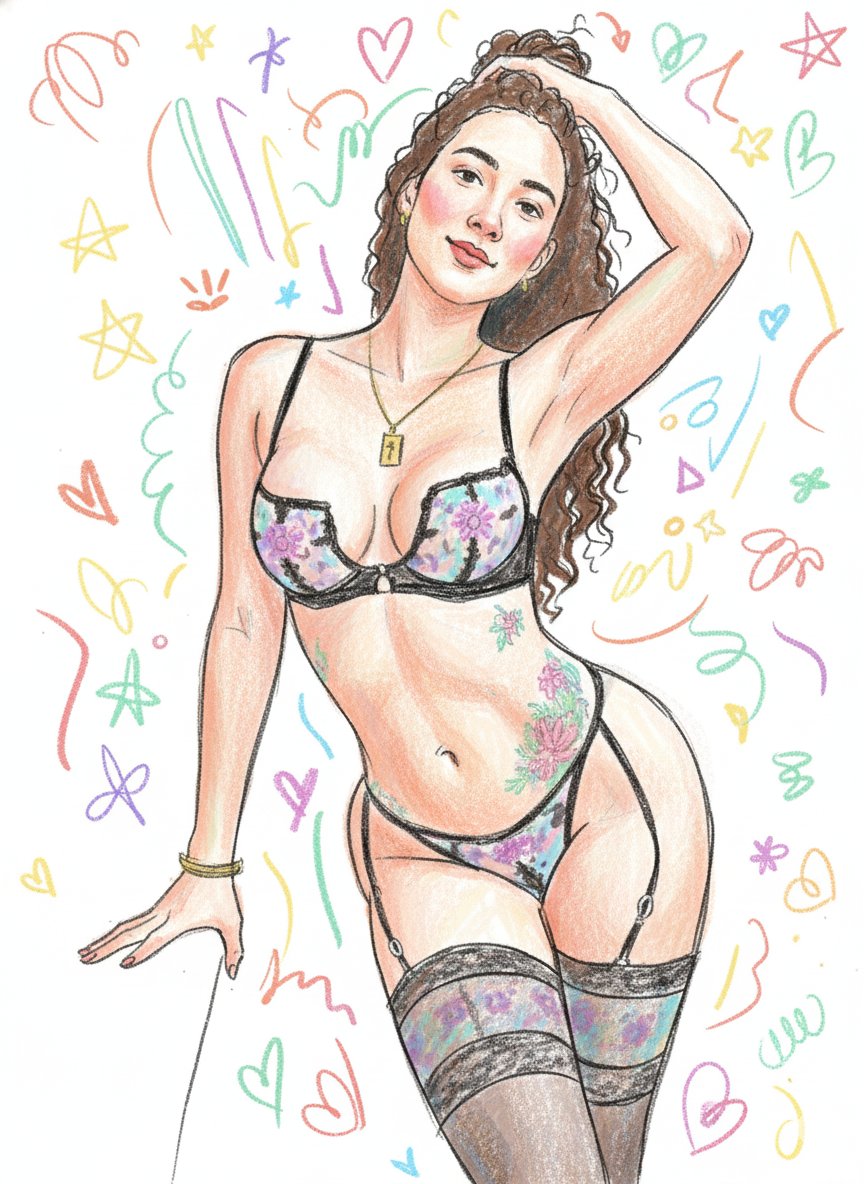
Scribbly Doodle Illustration Style Prompt
A detailed image generation prompt designed to transform an uploaded identity reference into a messy, fun, scribbly dood…