Image Editing and Background Replacement Workflow
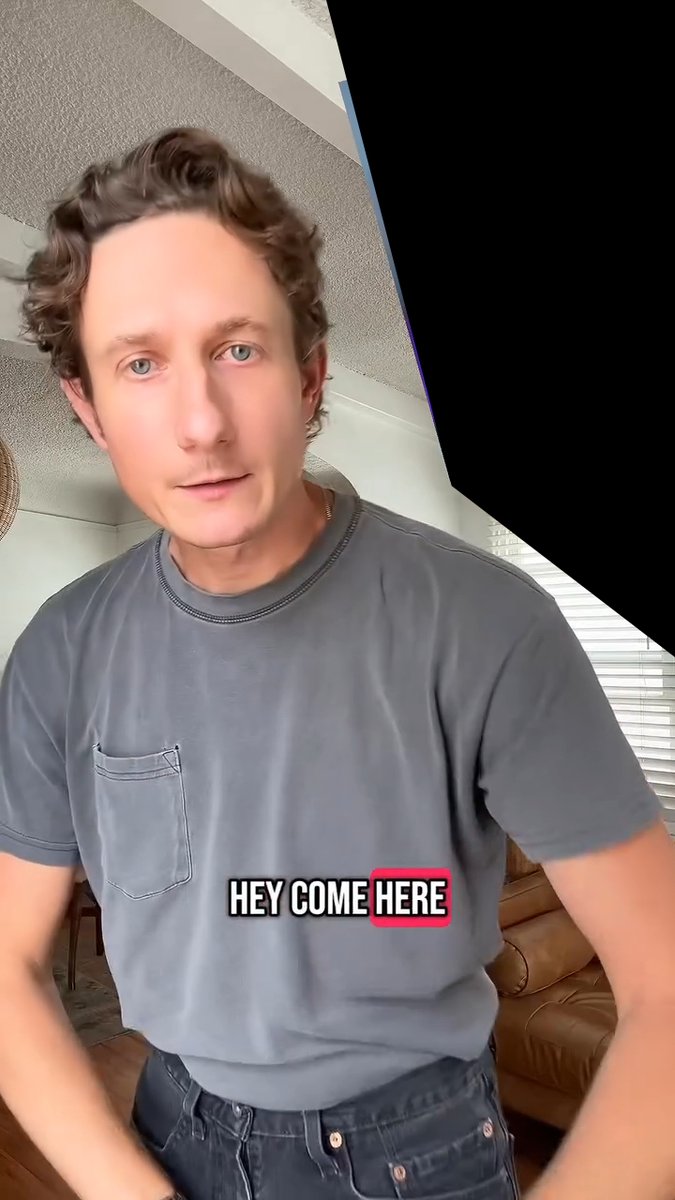
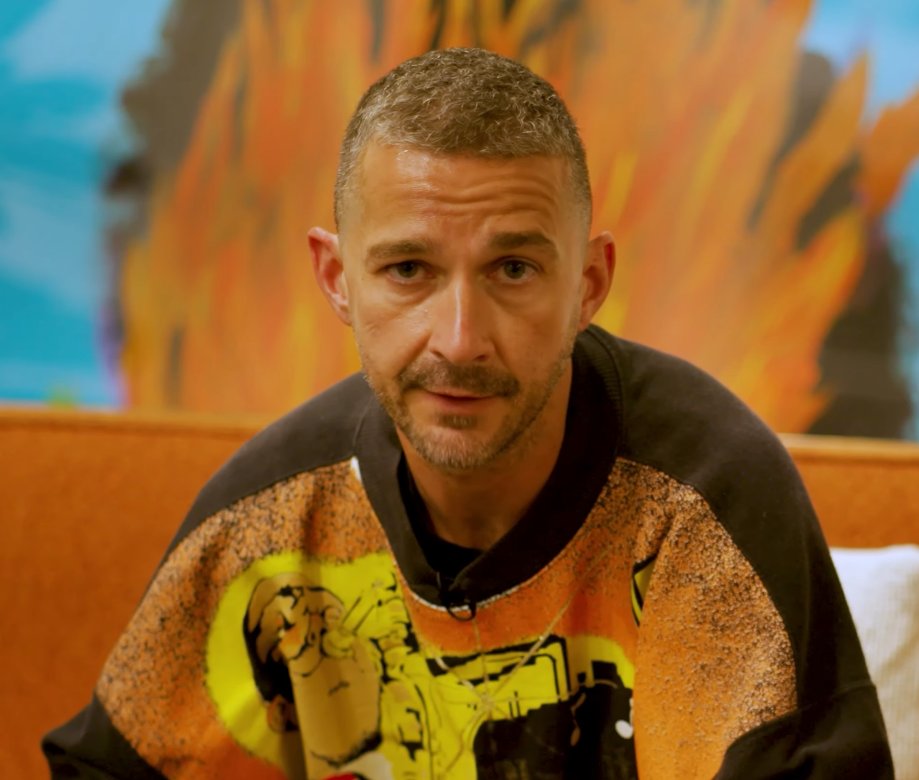
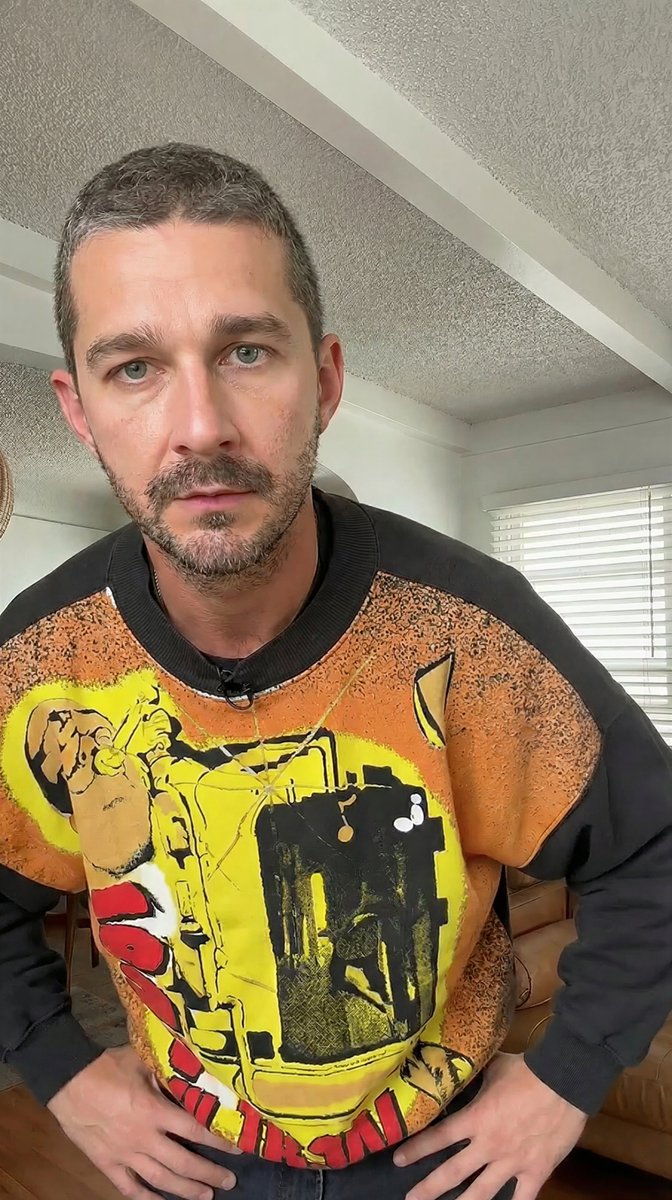
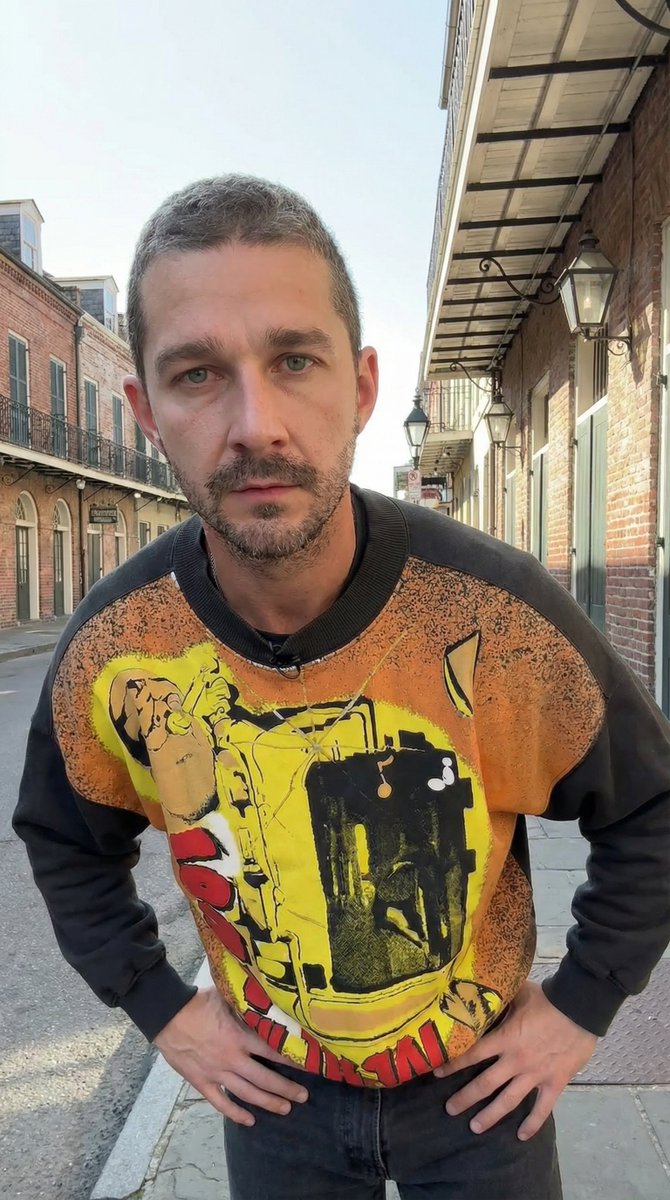
A two-step workflow demonstrating how to use Nano Banana Pro for image editing. The first prompt replaces a person in an image with a person from a second image while maintaining the pose. The second prompt uses the resulting image as input to change the background location and adjust lighting and perspective accordingly.
Prompt
Replace the grey shirt man in image 1 with the orange sweater man from image 2. Match the exact pose from image 1 Remove the caption text "HEY COME HERE" Remove the black from the …
Premium Prompt
Upgrade to Pro to unlock this prompt and all 14,000+ creative recipes.
Details
Similar Prompts
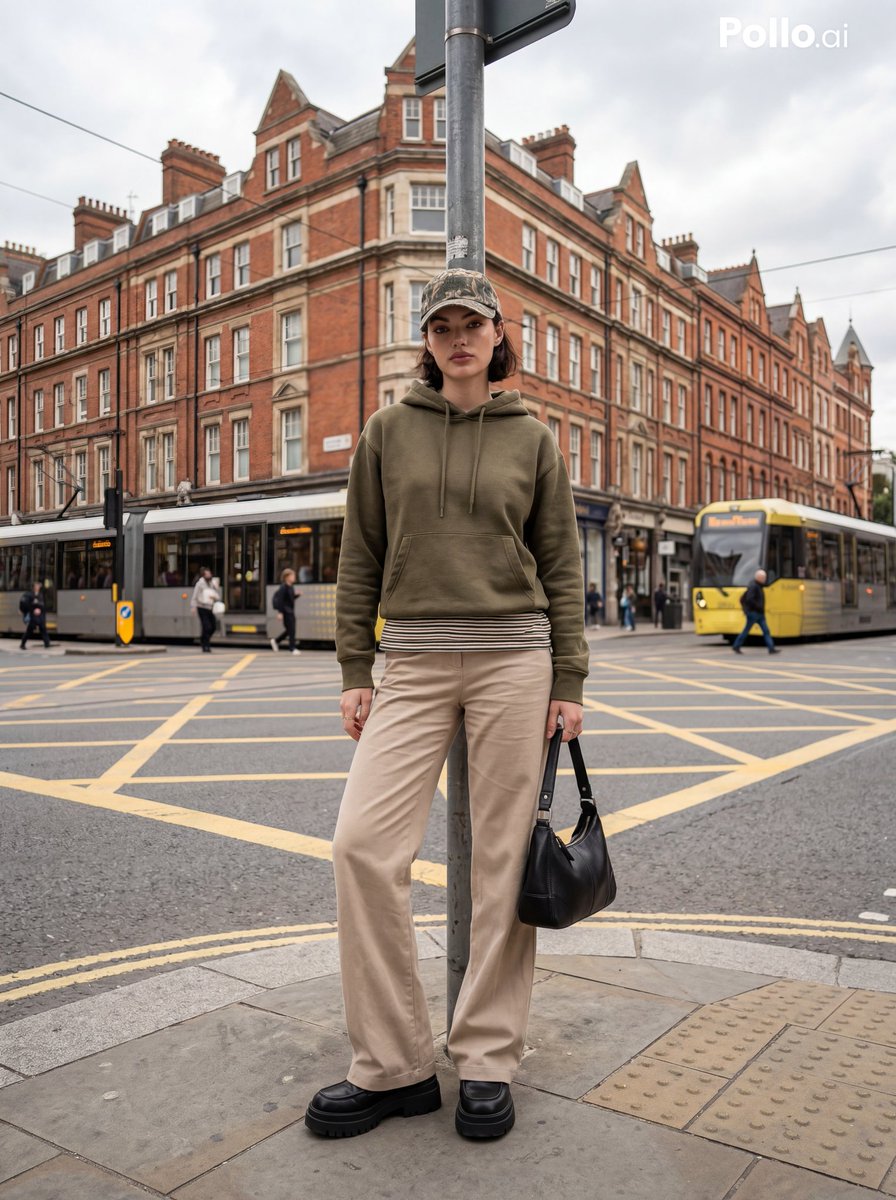
Street Fashion Editorial in European City
A prompt for generating a full-body cinematic street photography image of a stylish young woman posing at a city street…
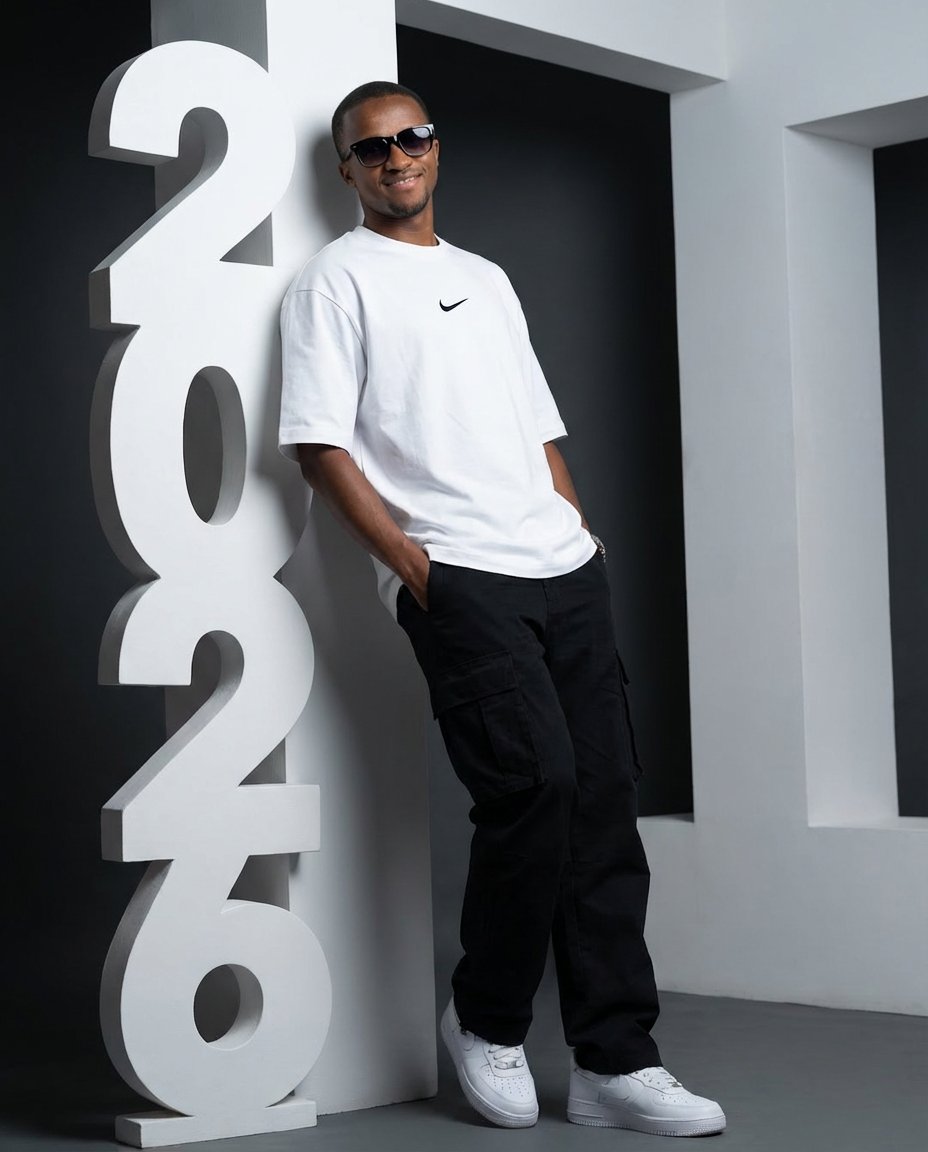
Low-Angle Streetwear Portrait with Architectural Text
A prompt for generating an ultra-realistic, low-angle portrait of a person in streetwear (oversized Nike t-shirt, cargo…
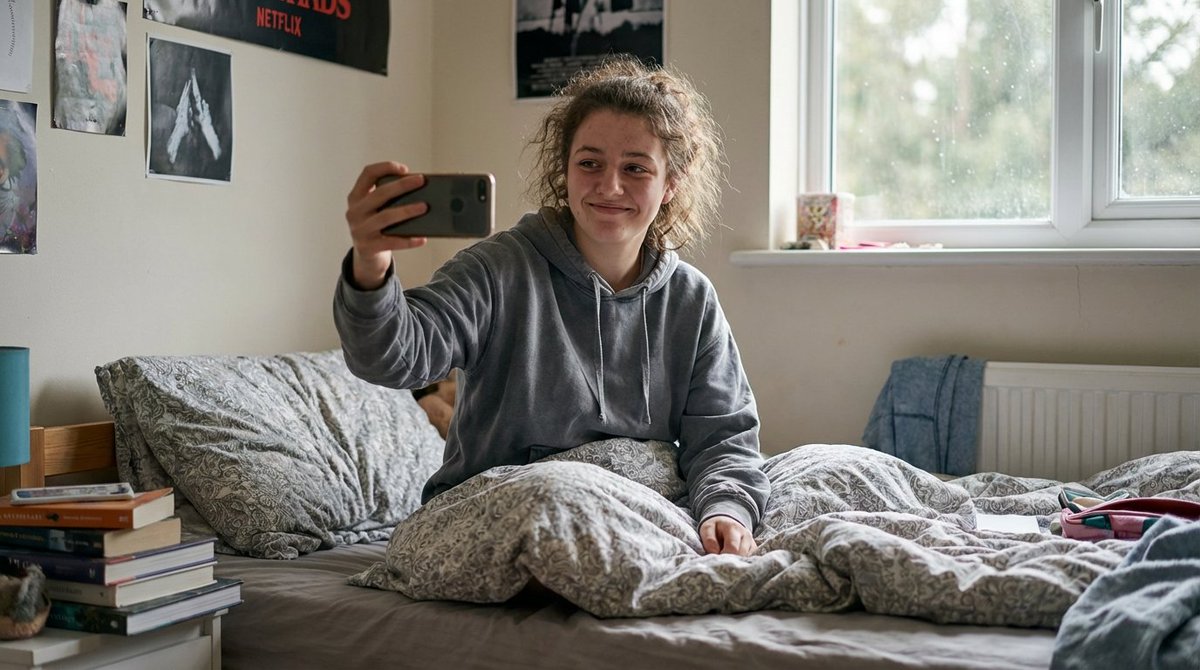
Hyper-Realistic Documentary Photography Style Prompt
A detailed, technical prompt designed to be appended to any base prompt in Nano Banana Pro to enforce an extreme level o…
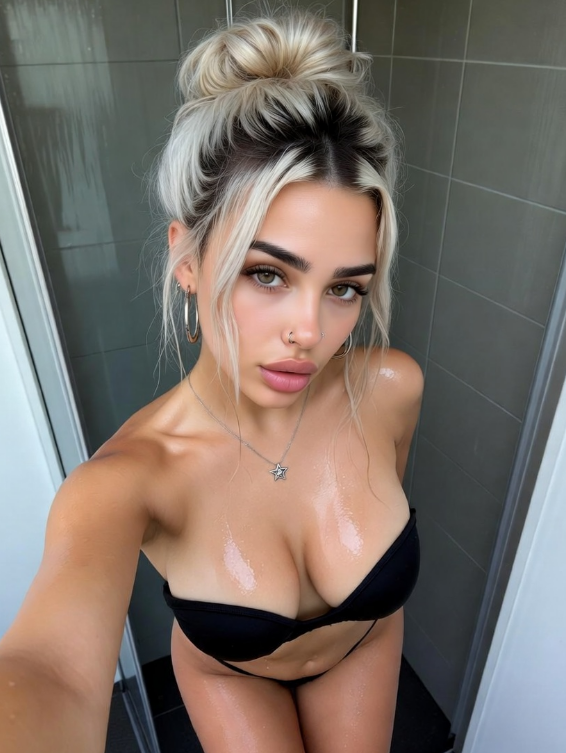
Realistic Bathroom Selfie in Turkish
A complex, structured JSON prompt written primarily in Turkish, with an English translation provided within the prompt s…